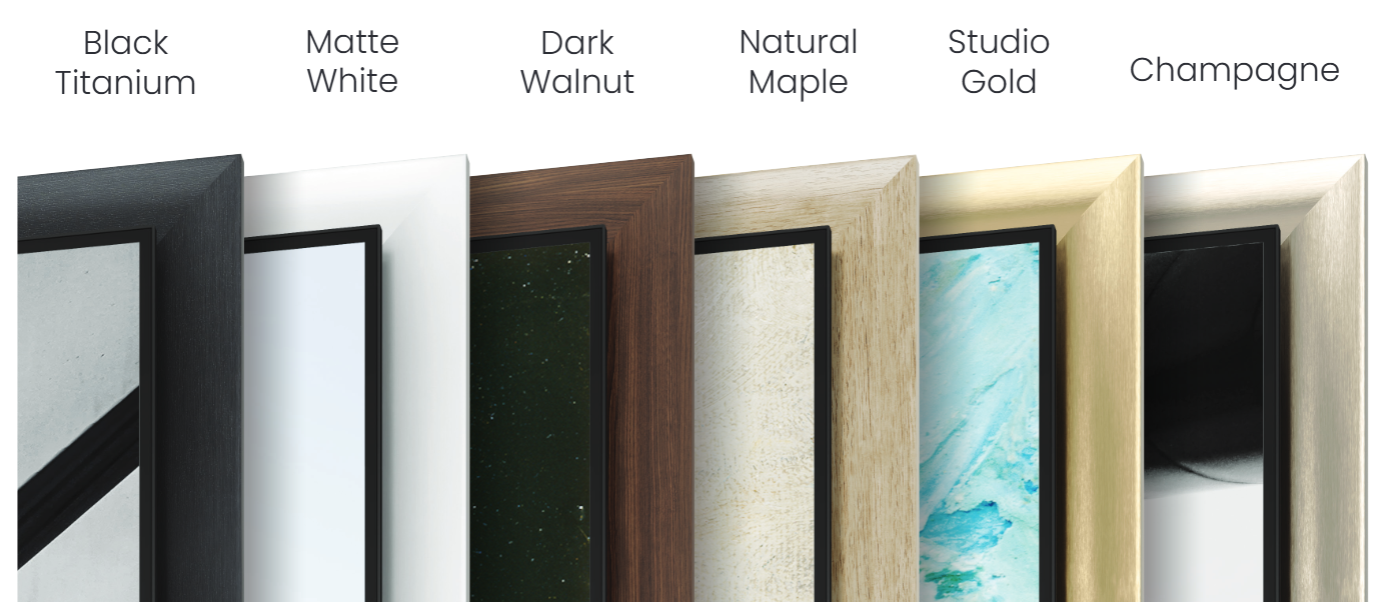
We now offer 6 Deco Frame styles for the Samsung S95H that are designed to snap in place around the TV once the TV is securely installed. Each frame ships as four pieces that snap together at the corners as each rail is installed on the TV. Expert installation assistance is not required.
💡 PRO TIP: Be sure to watch the video before you install. Unlike with our other product lines, you can't pre-assemble the frame before you attach it to the TV. You must attach to the TV in a very specific order. Top > Left > Right > Bottom for the easiest install.
Install Video
How to Install a Deco Frame for the Samsung S95H
Step 1-
Insert a corner key into both ends of the rail labeled "TOP" and place it on the metal backing plate of the S95H TV.

Step 2-
Insert a corner key into one end of the shorter side rails and then line up the other end of the side rail so that it can securely latch onto one of the corner keys on the top rail. Then, repeat the process with the other side rail so that both sides are installed and attached to the top rail.

Step 3-
After the side rails are firmly installed and connected to the top rail,
